DS-809 Unlocking Tool for Apple MacBook Removal unlock PIN & EFI
2021 Latest version DS-809SE Macbook unlock tool.
Lownload link:https://sourceforge.net/projec...
The item Includes:
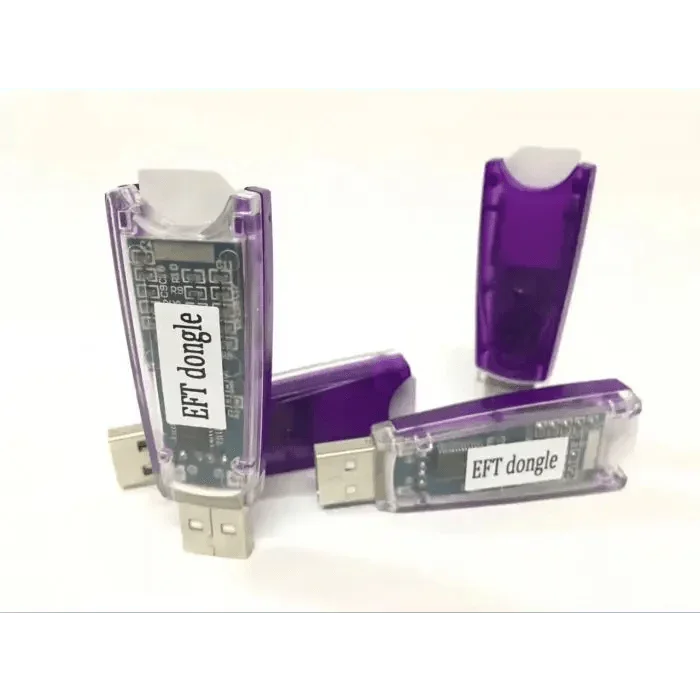
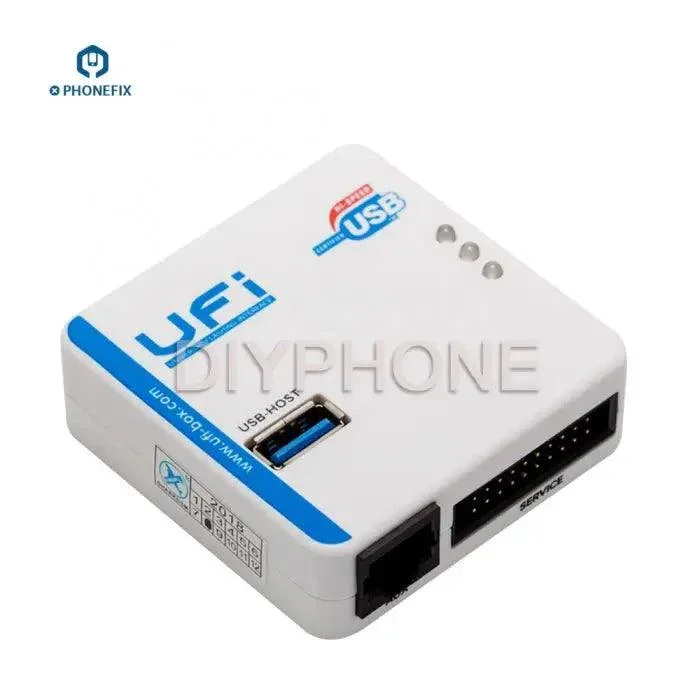
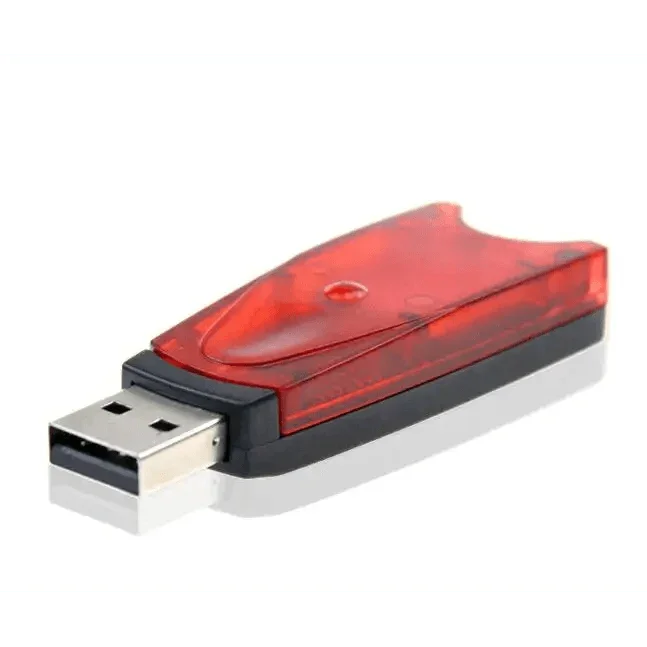
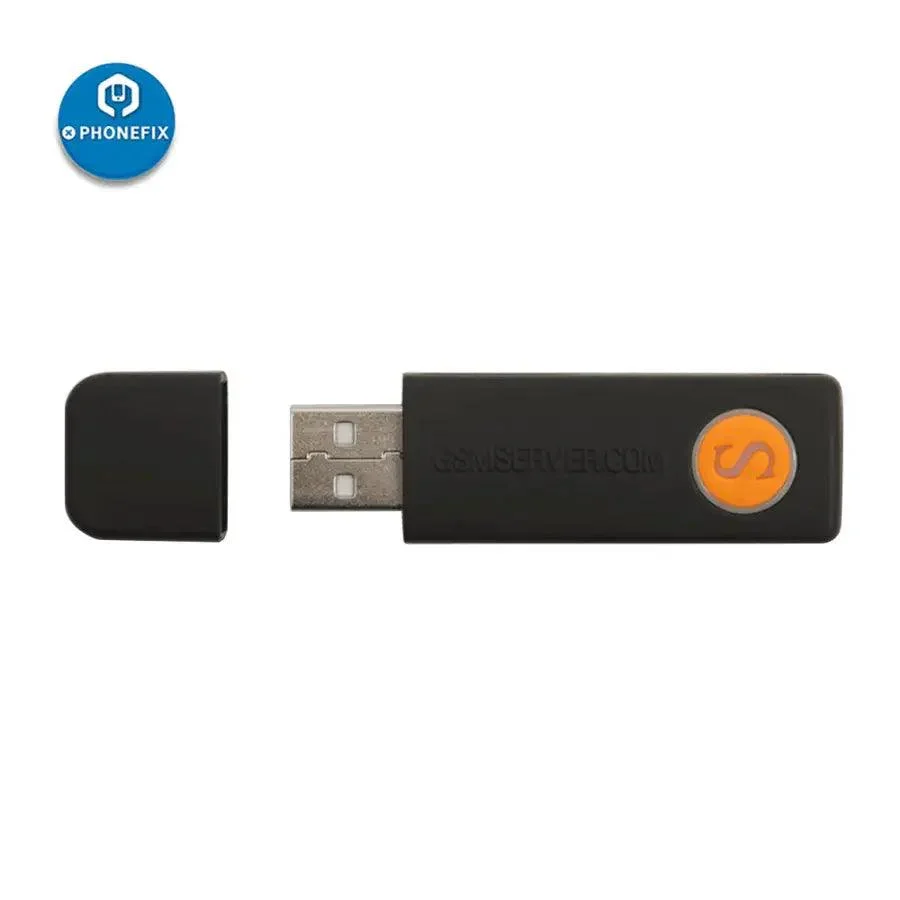
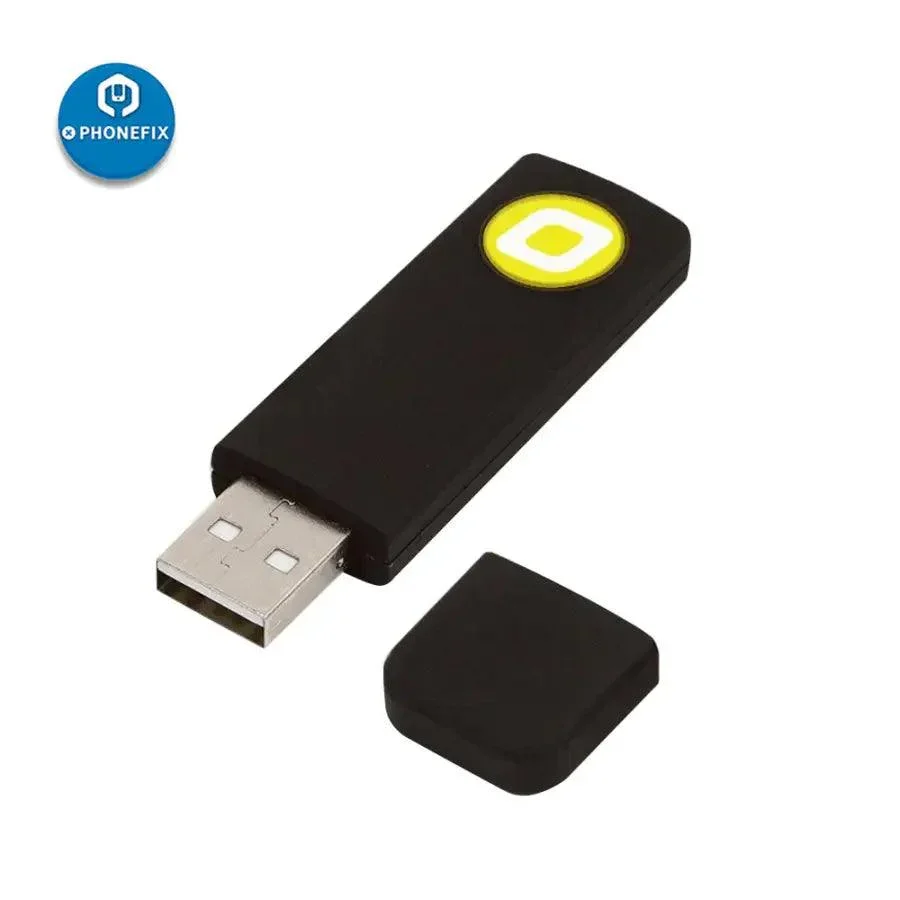
- The programmer
- The USB cable
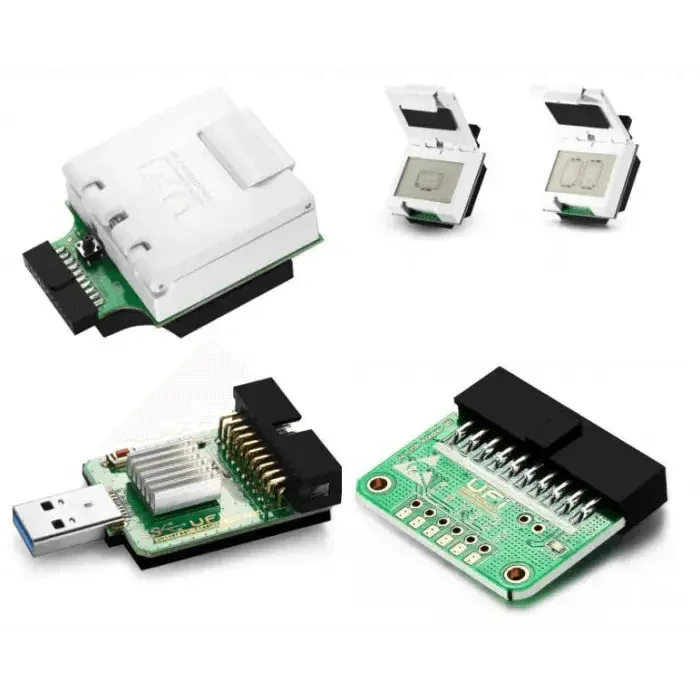
- The probe
- The probe wire
- SAM Socket FPC
Specification :
- Model No: DS-809 EFI PadLock
Compatible Models :
- MacBook Pro 2010-2017
- MacBook Air 2010-2017
- MacBook 2015-2017
- iMac 2010-2016
- MAC mini 2010-2014
- All model from 2010 to 2017
Features :
- If you forget a Macbook firmware password (EFI), you will need this part to unlock your Macbook.
- The EFI chip Free removal unlock tool can used to modify the serial number, recompose data of the ME module and clear PIN lock.
- No soldering, which means you don't need to teardown or remove the EFI chip.
How to use EFI Chip Free Removal Unlock Tool(2010 - 2017) - DS 809?
Get an EFI locked MacBook. Hold ‘Power Button+Option Key’ to turn on the MacBook. The MacBook requires the EFI password to log in.
- Insert the USB flash drive storing system bootstrap into the USB slot. There is still no response.
- First, check the model and serial number of MacBook. Remove the lower case. And disconnect the battery. Locate the SAM Socket on the logic board.
- Connect the programmer with the computer. Install the unlock software. Connect the corresponding SAM Socket FPC with the programmer. Then connect pin 1 of the FPC with Pin 1 of the SAM Socket.
Get the MacBook power supplied with an external power source.
- Hold the power button to turn off the MacBook.
- Click ‘Smart Identify SmartID’ on the interface of the unlock software.
- The model of the EFI chip will be recognized automatically。
- Click ‘Read ’ to read EFI chip data.
- Click ‘Save’ to save the EFI data.
- Once done, erase the EFI password.
- Then, locate the password removed file on the computer.
- Click ‘Write’ to write the free password EFI data to the EFI chip.
- Once done, detach the unlock tool.
- Connect the battery. There is no firmware lock on the interface. Turn off the MacBook. Insert the USB flash drive storing system bootstrap into the USB slot. The USB flash drive can be recognized. The MacBook has been unlocked successfully.
Product Information
Product Information
Shipping & Returns
Shipping & Returns


DS-809 Unlocking Tool for Apple MacBook Removal unlock PIN & EFI
DS-809 Unlocking Tool for Apple MacBook Removal unlock PIN & EFI
2021 Latest version DS-809SE Macbook unlock tool.
Lownload link:https://sourceforge.net/projec...
The item Includes:
- The programmer
- The USB cable
- The probe
- The probe wire
- SAM Socket FPC
Specification :
- Model No: DS-809 EFI PadLock
Compatible Models :
- MacBook Pro 2010-2017
- MacBook Air 2010-2017
- MacBook 2015-2017
- iMac 2010-2016
- MAC mini 2010-2014
- All model from 2010 to 2017
Features :
- If you forget a Macbook firmware password (EFI), you will need this part to unlock your Macbook.
- The EFI chip Free removal unlock tool can used to modify the serial number, recompose data of the ME module and clear PIN lock.
- No soldering, which means you don't need to teardown or remove the EFI chip.
How to use EFI Chip Free Removal Unlock Tool(2010 - 2017) - DS 809?
Get an EFI locked MacBook. Hold ‘Power Button+Option Key’ to turn on the MacBook. The MacBook requires the EFI password to log in.
- Insert the USB flash drive storing system bootstrap into the USB slot. There is still no response.
- First, check the model and serial number of MacBook. Remove the lower case. And disconnect the battery. Locate the SAM Socket on the logic board.
- Connect the programmer with the computer. Install the unlock software. Connect the corresponding SAM Socket FPC with the programmer. Then connect pin 1 of the FPC with Pin 1 of the SAM Socket.
Get the MacBook power supplied with an external power source.
- Hold the power button to turn off the MacBook.
- Click ‘Smart Identify SmartID’ on the interface of the unlock software.
- The model of the EFI chip will be recognized automatically。
- Click ‘Read ’ to read EFI chip data.
- Click ‘Save’ to save the EFI data.
- Once done, erase the EFI password.
- Then, locate the password removed file on the computer.
- Click ‘Write’ to write the free password EFI data to the EFI chip.
- Once done, detach the unlock tool.
- Connect the battery. There is no firmware lock on the interface. Turn off the MacBook. Insert the USB flash drive storing system bootstrap into the USB slot. The USB flash drive can be recognized. The MacBook has been unlocked successfully.
Original: $180.99
-65%$180.99
$63.35Product Information
Product Information
Shipping & Returns
Shipping & Returns
Description
2021 Latest version DS-809SE Macbook unlock tool.
Lownload link:https://sourceforge.net/projec...
The item Includes:
- The programmer
- The USB cable
- The probe
- The probe wire
- SAM Socket FPC
Specification :
- Model No: DS-809 EFI PadLock
Compatible Models :
- MacBook Pro 2010-2017
- MacBook Air 2010-2017
- MacBook 2015-2017
- iMac 2010-2016
- MAC mini 2010-2014
- All model from 2010 to 2017
Features :
- If you forget a Macbook firmware password (EFI), you will need this part to unlock your Macbook.
- The EFI chip Free removal unlock tool can used to modify the serial number, recompose data of the ME module and clear PIN lock.
- No soldering, which means you don't need to teardown or remove the EFI chip.
How to use EFI Chip Free Removal Unlock Tool(2010 - 2017) - DS 809?
Get an EFI locked MacBook. Hold ‘Power Button+Option Key’ to turn on the MacBook. The MacBook requires the EFI password to log in.
- Insert the USB flash drive storing system bootstrap into the USB slot. There is still no response.
- First, check the model and serial number of MacBook. Remove the lower case. And disconnect the battery. Locate the SAM Socket on the logic board.
- Connect the programmer with the computer. Install the unlock software. Connect the corresponding SAM Socket FPC with the programmer. Then connect pin 1 of the FPC with Pin 1 of the SAM Socket.
Get the MacBook power supplied with an external power source.
- Hold the power button to turn off the MacBook.
- Click ‘Smart Identify SmartID’ on the interface of the unlock software.
- The model of the EFI chip will be recognized automatically。
- Click ‘Read ’ to read EFI chip data.
- Click ‘Save’ to save the EFI data.
- Once done, erase the EFI password.
- Then, locate the password removed file on the computer.
- Click ‘Write’ to write the free password EFI data to the EFI chip.
- Once done, detach the unlock tool.
- Connect the battery. There is no firmware lock on the interface. Turn off the MacBook. Insert the USB flash drive storing system bootstrap into the USB slot. The USB flash drive can be recognized. The MacBook has been unlocked successfully.